
Customer payment notifications
Customers have an overview of their payments. The gateway automatically sends them information about the payment status.
How it works
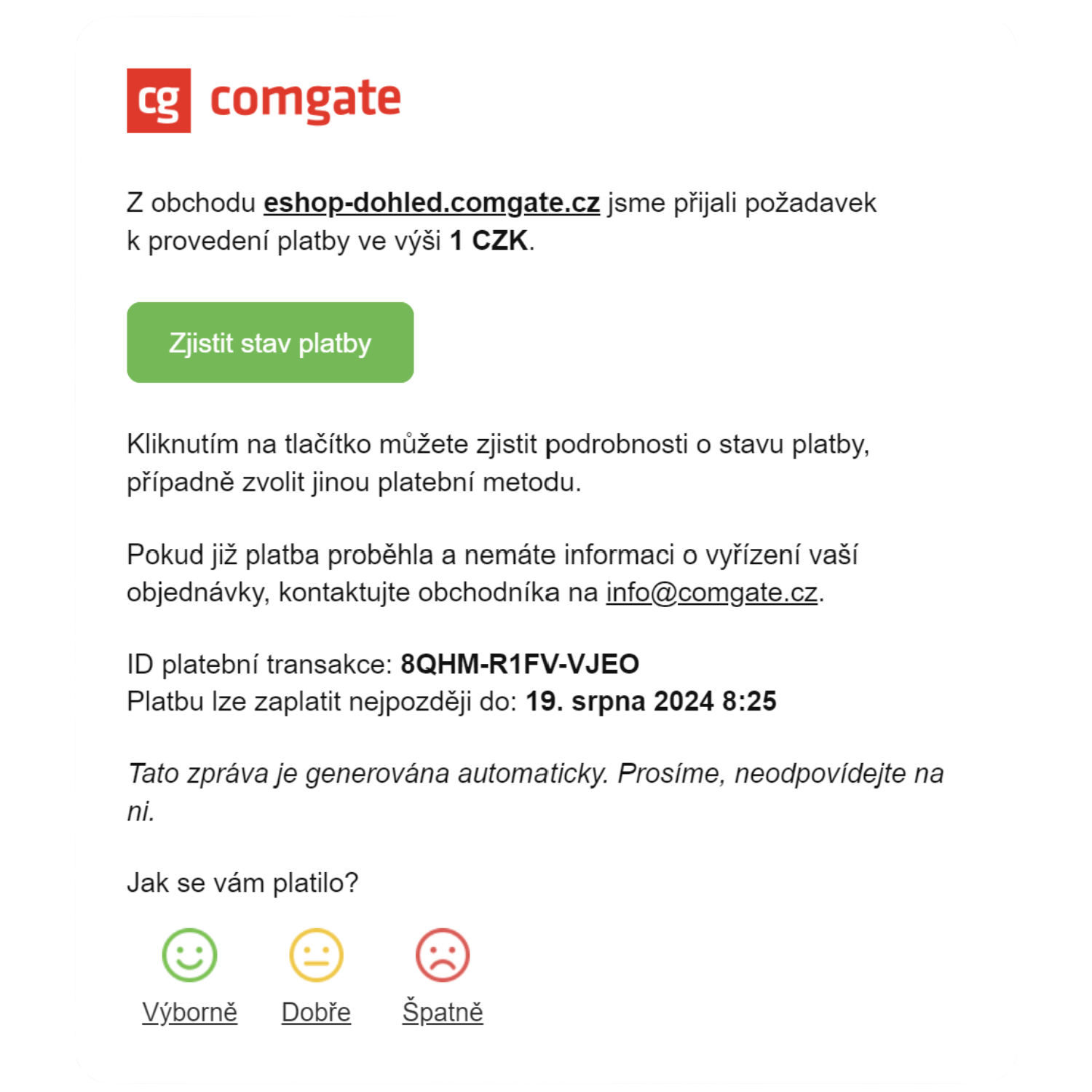
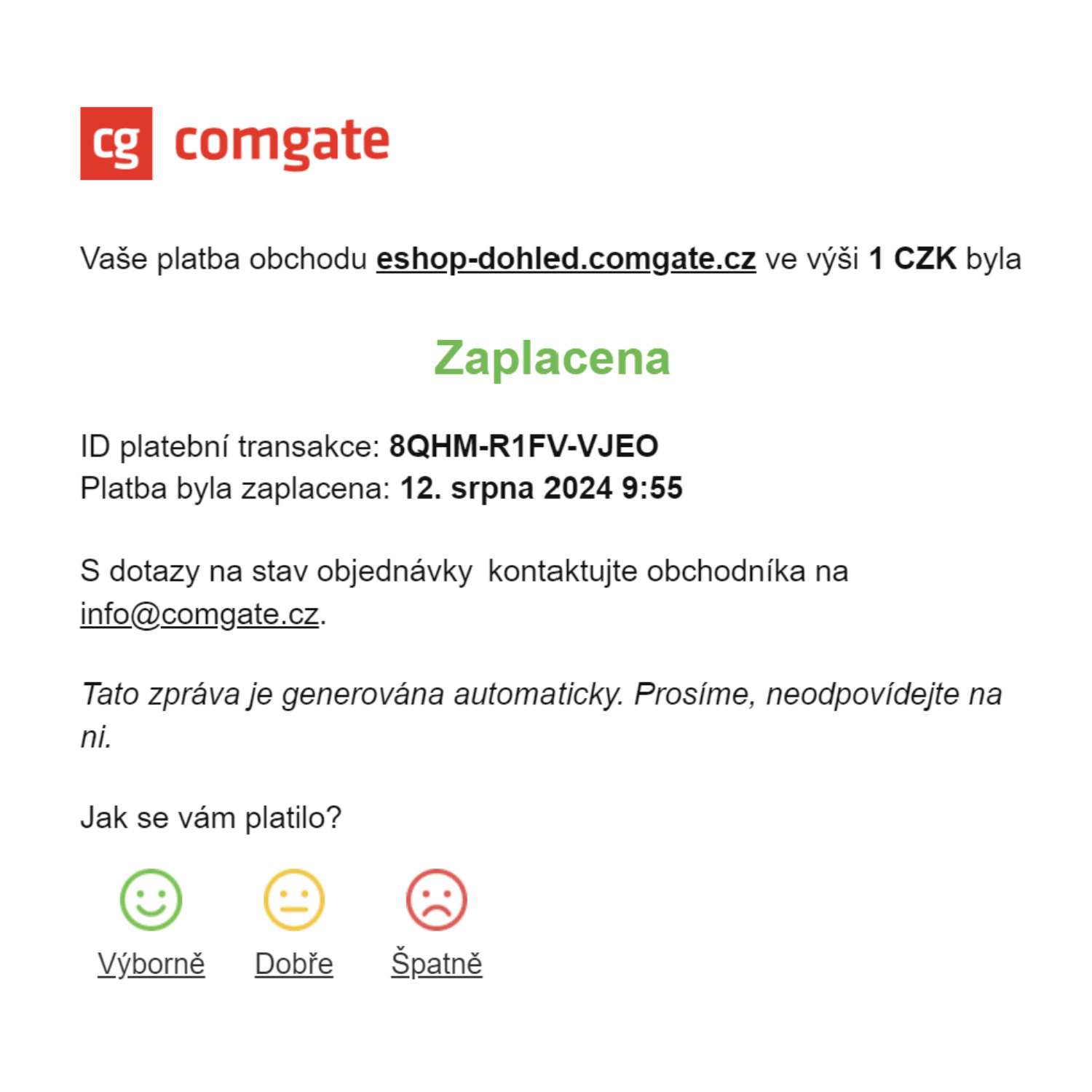
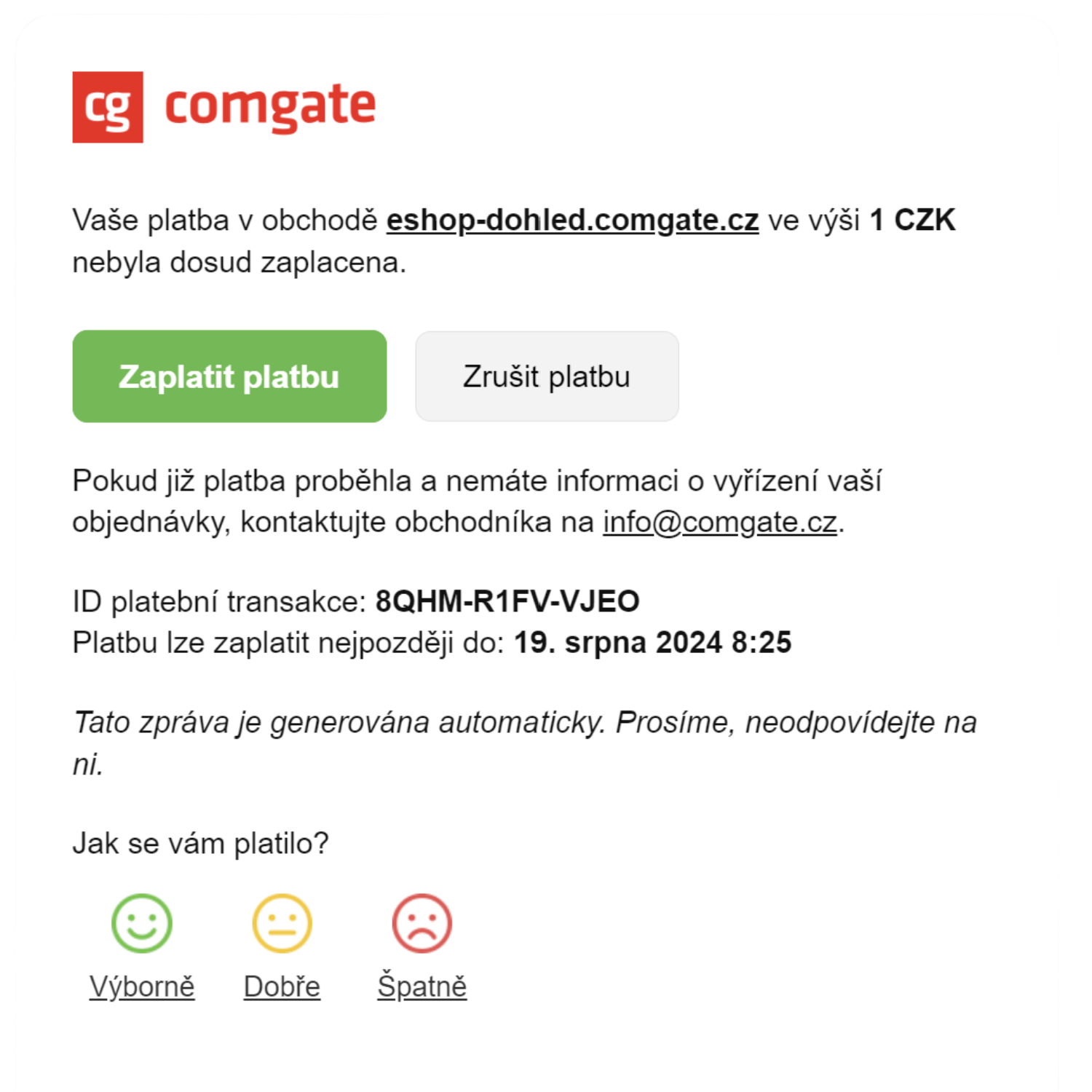
After making a payment, the customer receives automatic emails about the payment process, a confirmation of successful payment, and a reminder for any incomplete payments with a link to return to the payment page.
Customer notifications can be set up in three modes. "Simple" sends only one message, in which the customer can check the current payment status. "Advanced" also sends reminders. The "Off" mode sends no messages at all.
New clients are automatically set to "Advanced" mode, which is most effective at helping customers complete their payments.
This gives customers confidence that the payment went through and makes it easier for them to complete any outstanding payments. At the same time, it reduces the number of inquiries you receive regarding payment status.
When it is useful
Automated messages reassure customers and help follow up on outstanding payments.
You'll appreciate the notifications for payers if

you want to assure the customer that the payment went through,
you want to prompt customers to complete their outstanding payments,
you want to limit inquiries about payment status.
What can it look like?
Looking for more detailed information?
Visit the support portal for guides to all payment gateway features, including setup and everyday use.
Do you have any questions?
We are available online weekdays from 8:00 to 20:00. Your questions will be answered as fast as possible.