Payment in CZK or EUR
Charge in czech crowns or euros. On a single terminal, you can select the currency based on the specific sale.
How it works
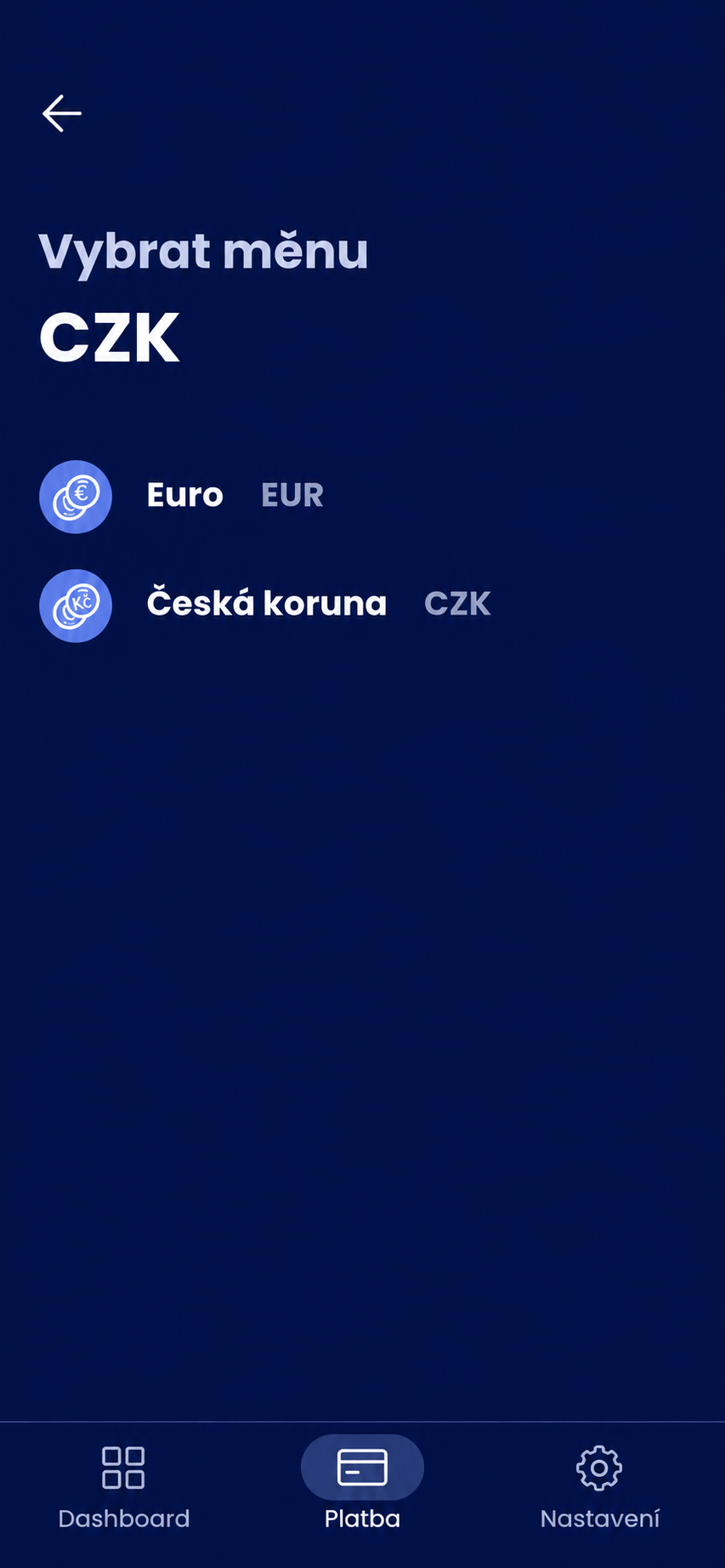
The Comgate terminal allows you to accept payments in both CZK and EUR. If you have both currencies enabled, when entering a payment, select the desired currency and enter the corresponding amount. The customer then completes the payment as usual.
You select the currency based on the price you charge the customer. With an integrated solution, your system can also pass this information along with the amount. When settling payments, transactions in each currency are processed separately, so you have a clear overview of both CZK and EUR payments.
When it is useful
If you sell goods or services with prices in both Czech korunas and euros, such as in the hospitality industry or in border regions. The staff uses a single terminal and sets the currency directly when entering the payment.
How to get started
Please arrange with us to accept both currencies when setting up the service. Before confirming each payment, check both the amount and the selected currency.
What might that look like?
Looking for more detailed information?
Visit the support portal for guides to all payment terminal's features, including setup and everyday use.
Do you have any questions?
We are available online weekdays from 8:00 to 20:00. Your questions will be answered as fast as possible.