
Pre-authorization
Reserve an amount on the card in advance. Temporarily hold the funds until you confirm or cancel the payment.
How it works
Enter the preauthorization amount on the terminal, and the customer taps their card. The funds are temporarily held in their account but are not yet debited. You can view open preauthorizations both on the terminal and in the Client Portal.
Once you know the final price, you complete the pre-authorization directly on the terminal. You can charge the entire blocked amount or less; the unused balance will be released. The customer and their card do not need to be present to complete the transaction. If the sale does not go through, you cancel the pre-authorization.
When to use it
When booking a service, renting equipment, or making a reservation for lodging where the final price isn’t determined until later. You’ll secure the funds during your first contact with the customer.
Getting started
This feature is activated by customer support. There is a set deadline for completion: typically 30 days, or 7 days for Maestro, Visa Electron, and V PAY cards. Once completed, no amount greater than the originally blocked amount can be charged.
What might that look like?
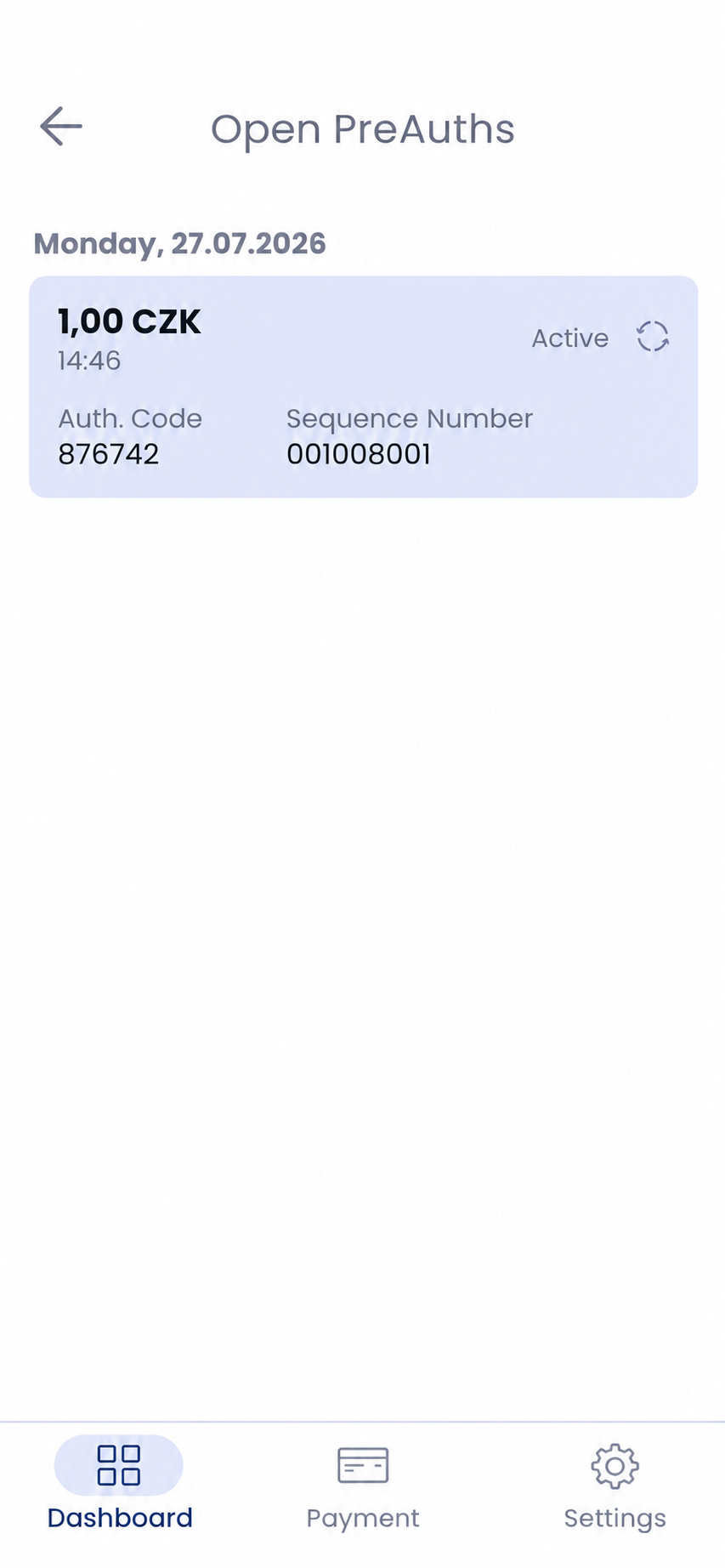
Open pre-authorizations
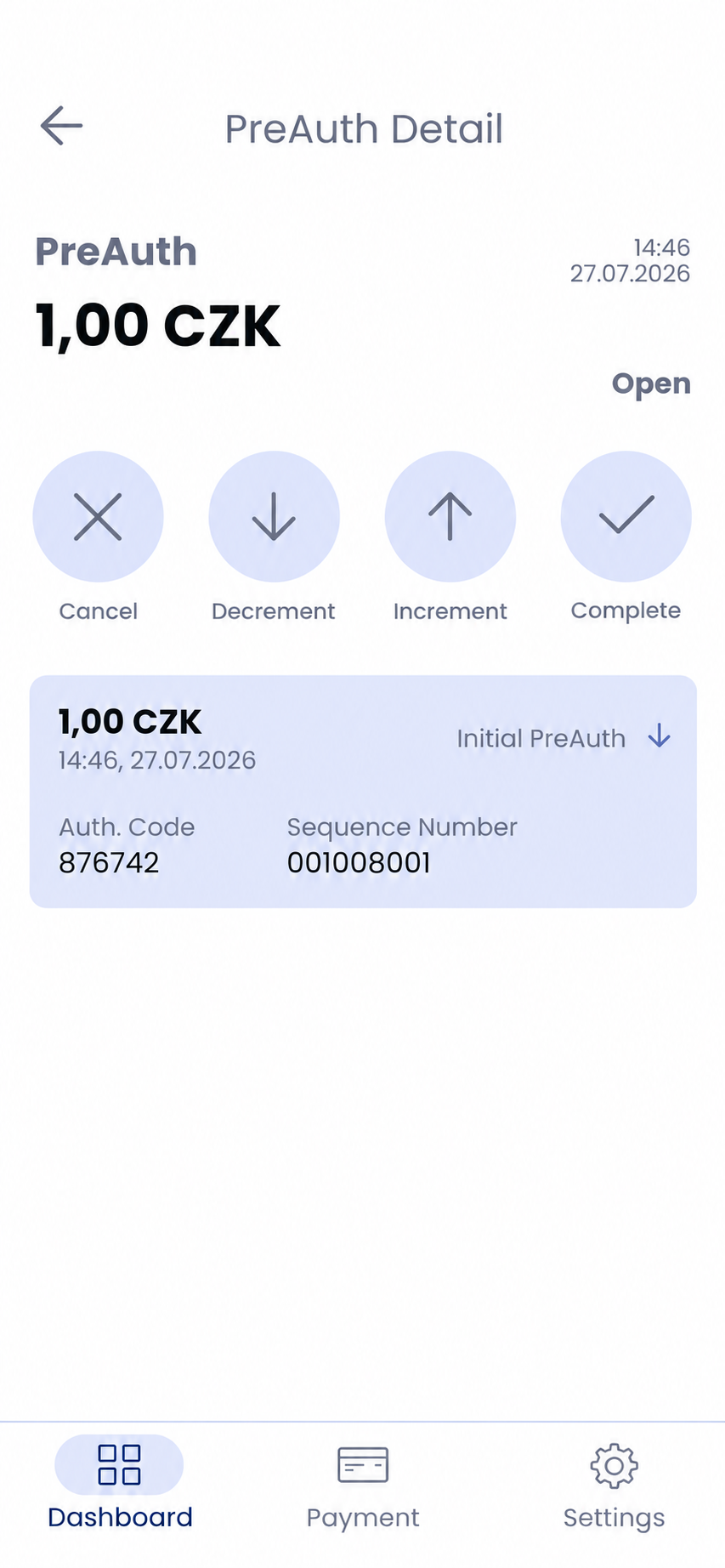
Pre-authorization details
Looking for more detailed information?
Visit the support portal for guides to all payment terminal's features, including setup and everyday use.
Do you have any questions?
We are available online weekdays from 8:00 to 20:00. Your questions will be answered as fast as possible.