
Payment Gateway Display
Set up the payment gateway to fit seamlessly into your e-shop.
How it works
The payment gateway can be displayed in several ways, each suited to a different type of e-shop. You can redirect customers to the Comgate payment page, display the gateway directly within your e-shop or in a pop-up window. You can also display the payment form directly in the shopping cart or integrate payments into your mobile app. The gateway design can also be customised to match your e-shop.
Having a choice is a key advantage. A payment process that keeps customers within your e-shop and reduces redirects creates a smoother checkout experience and can lead to more completed orders. Choose the display option that best suits your platform and sales process.
When it is useful
How the payment gateway is displayed can play an important role in successfully completing a purchase.
Payment gateway display options are useful if you:

care about every completed order,
want a smooth checkout process and customer experience,
want to make full use of the gateway's customisation options and features.
What can it look like?
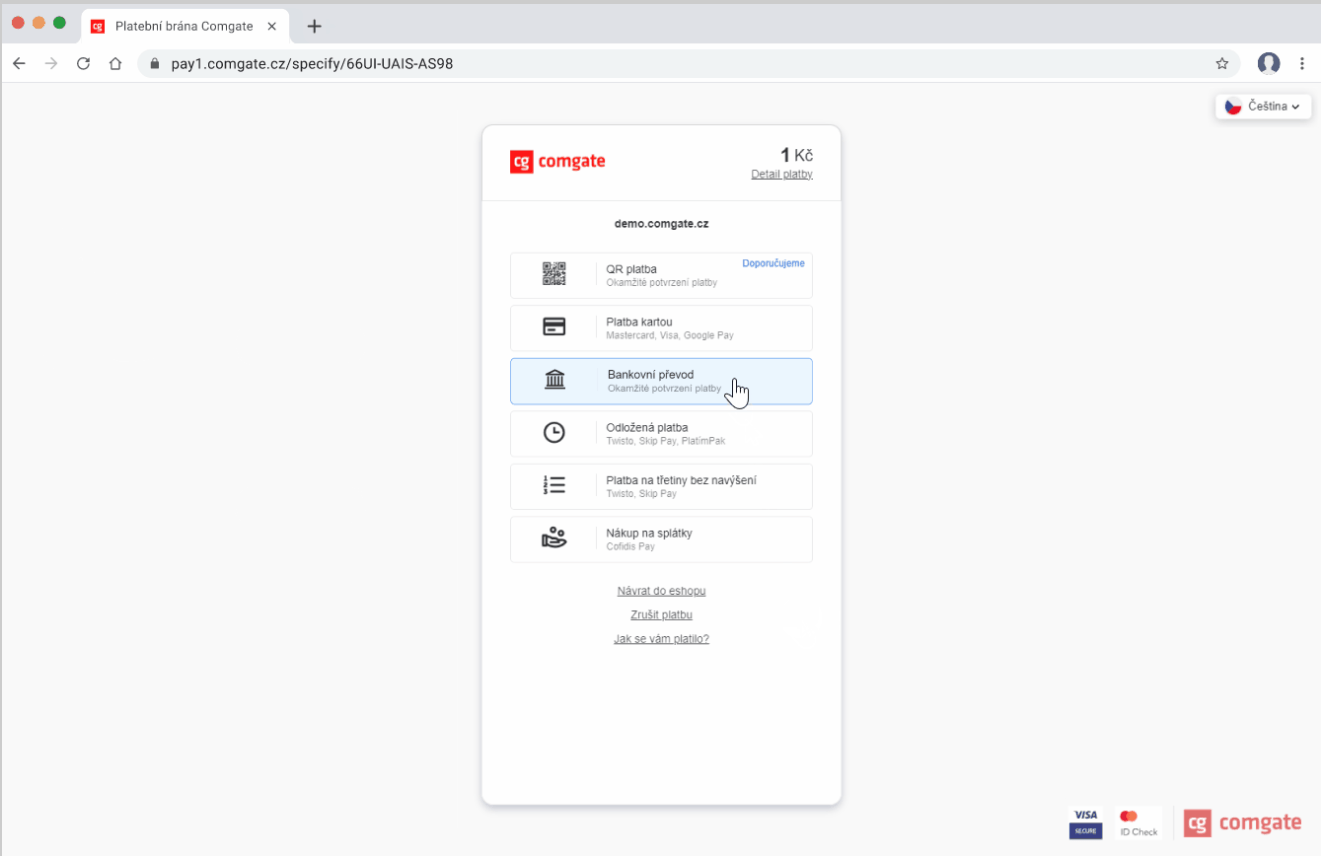
Redirect
After placing an order, the customer is redirected to the payment gateway and then back to the e-shop after payment.
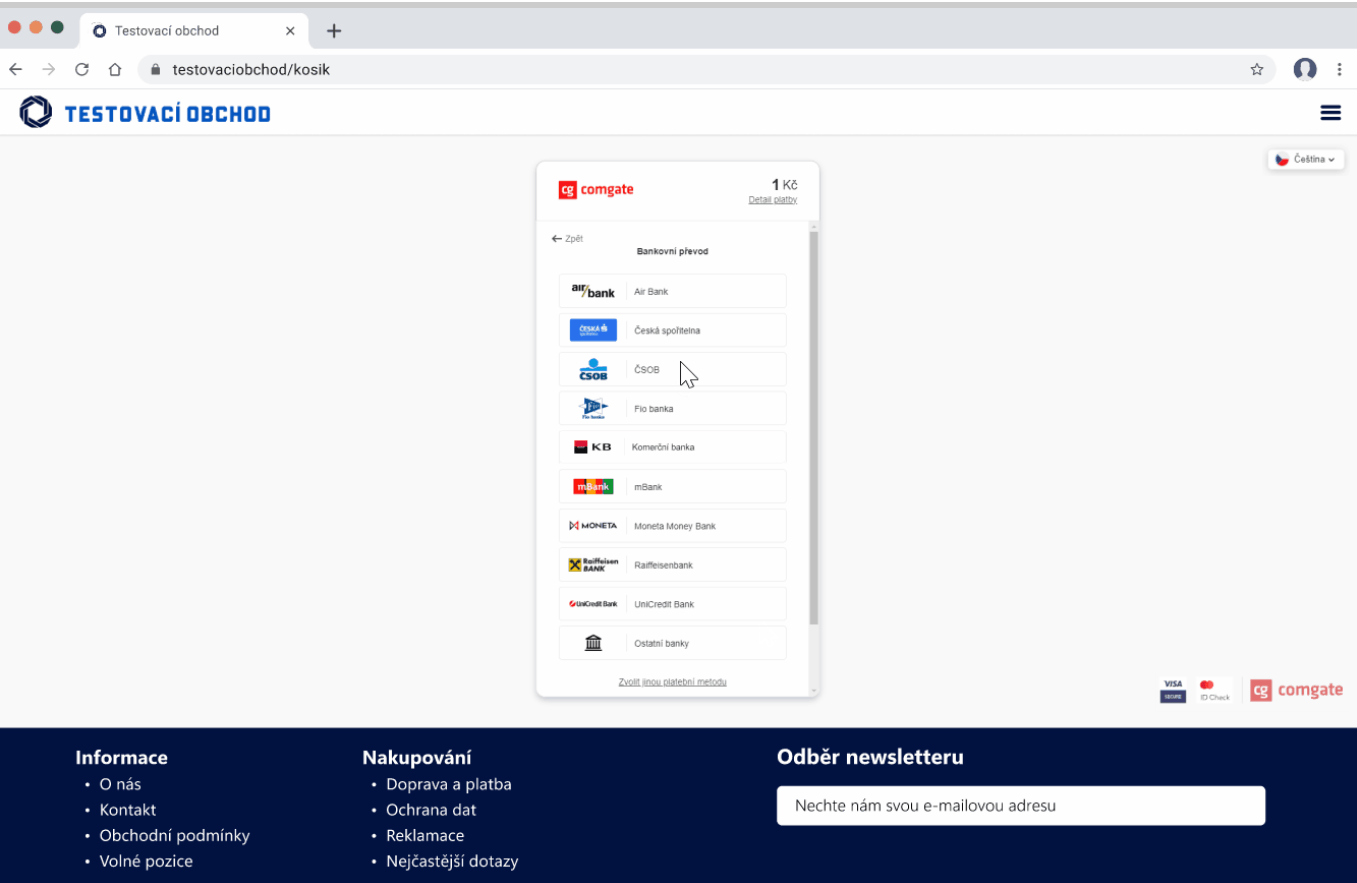
Embedded Window
The gateway appears directly in the shopping cart and fills the available space. The customer pays without being redirected, and the window disappears after payment.
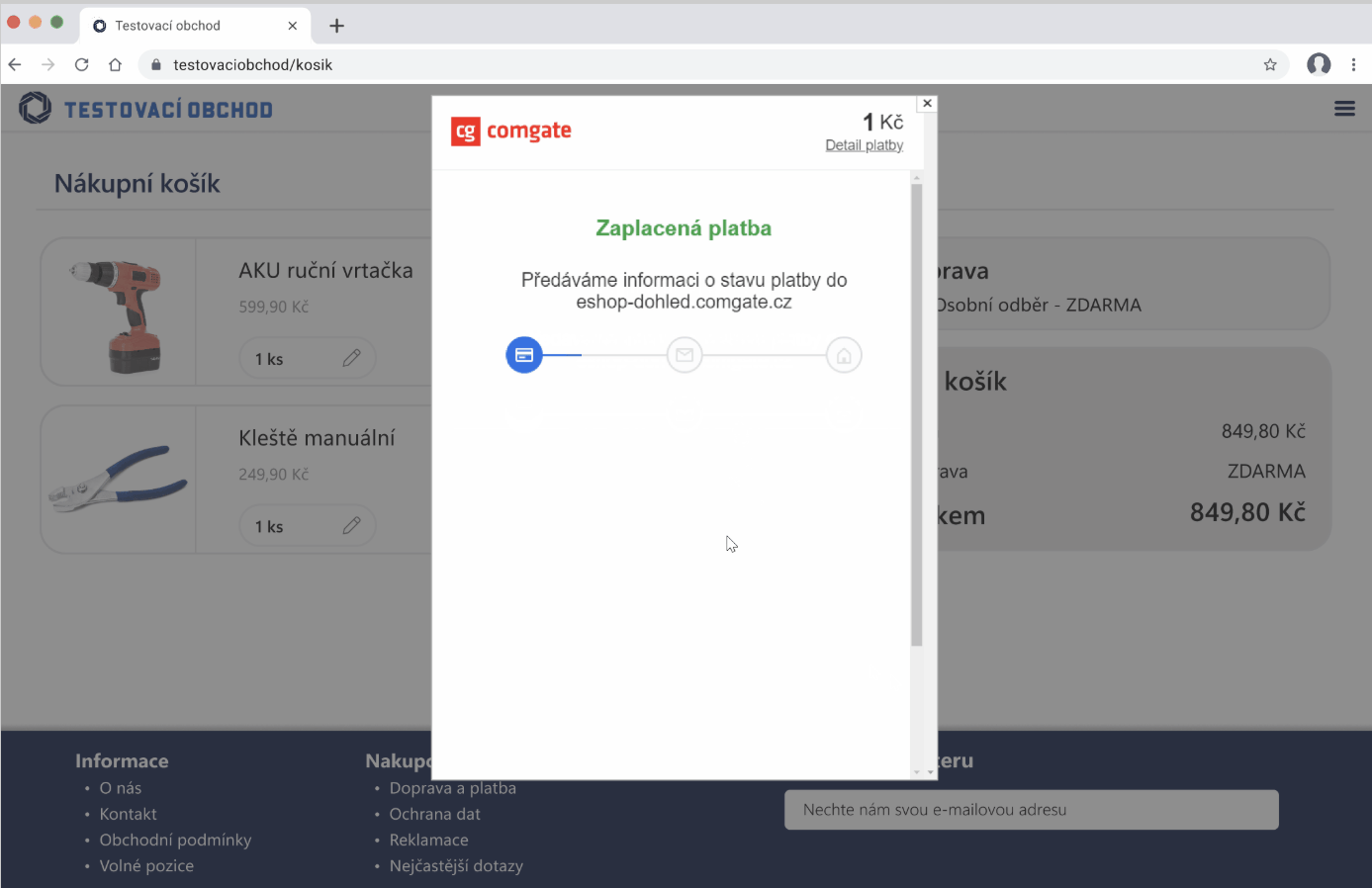
Pop-up Window
The gateway opens in a pop-up window over your e-shop. The customer stays on the page, and the window closes after payment.
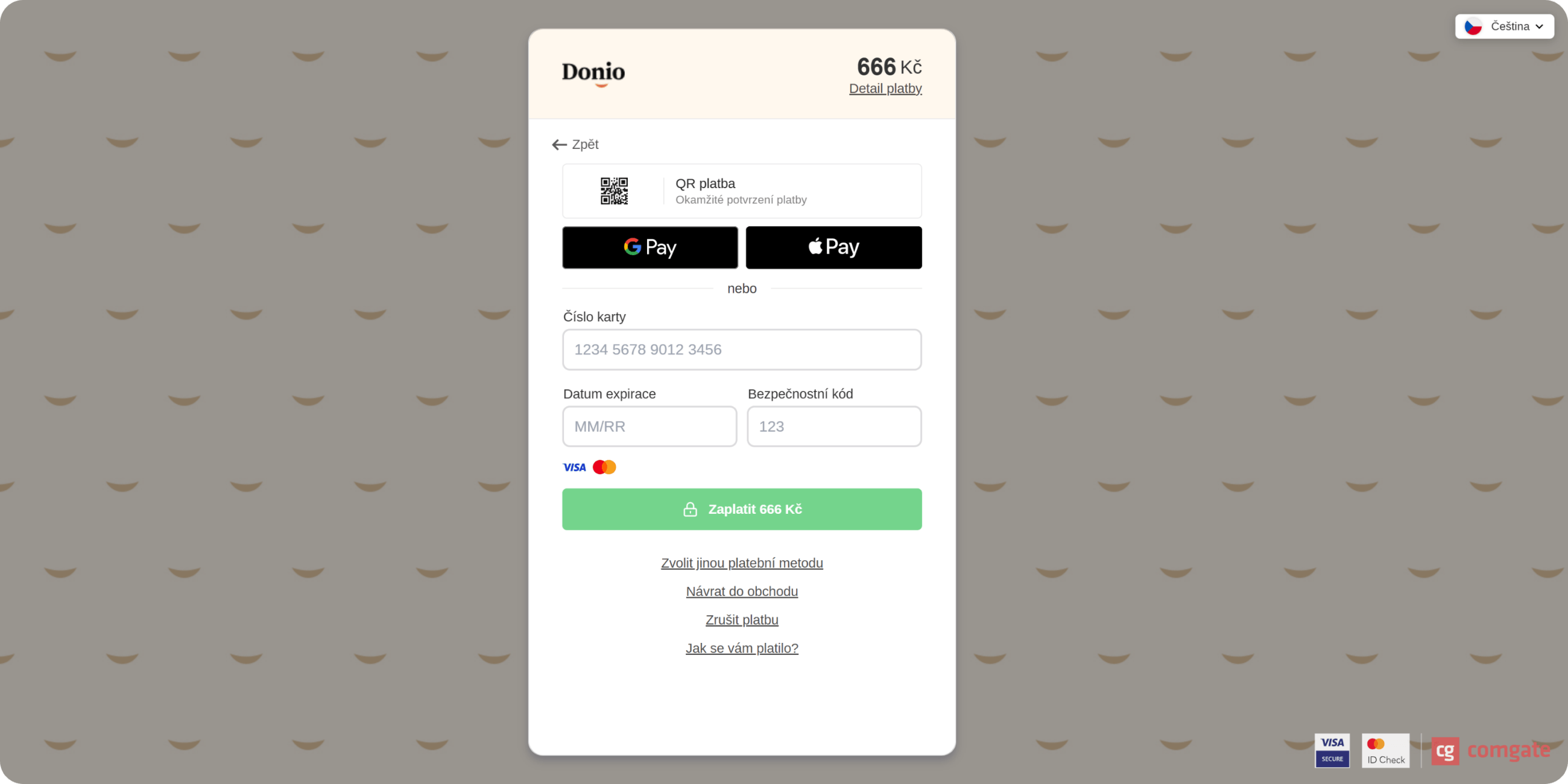
Custom Gateway Design
Match the gateway to your website. Add your logo and customise colours and visual elements so the payment process feels like part of your e-shop.
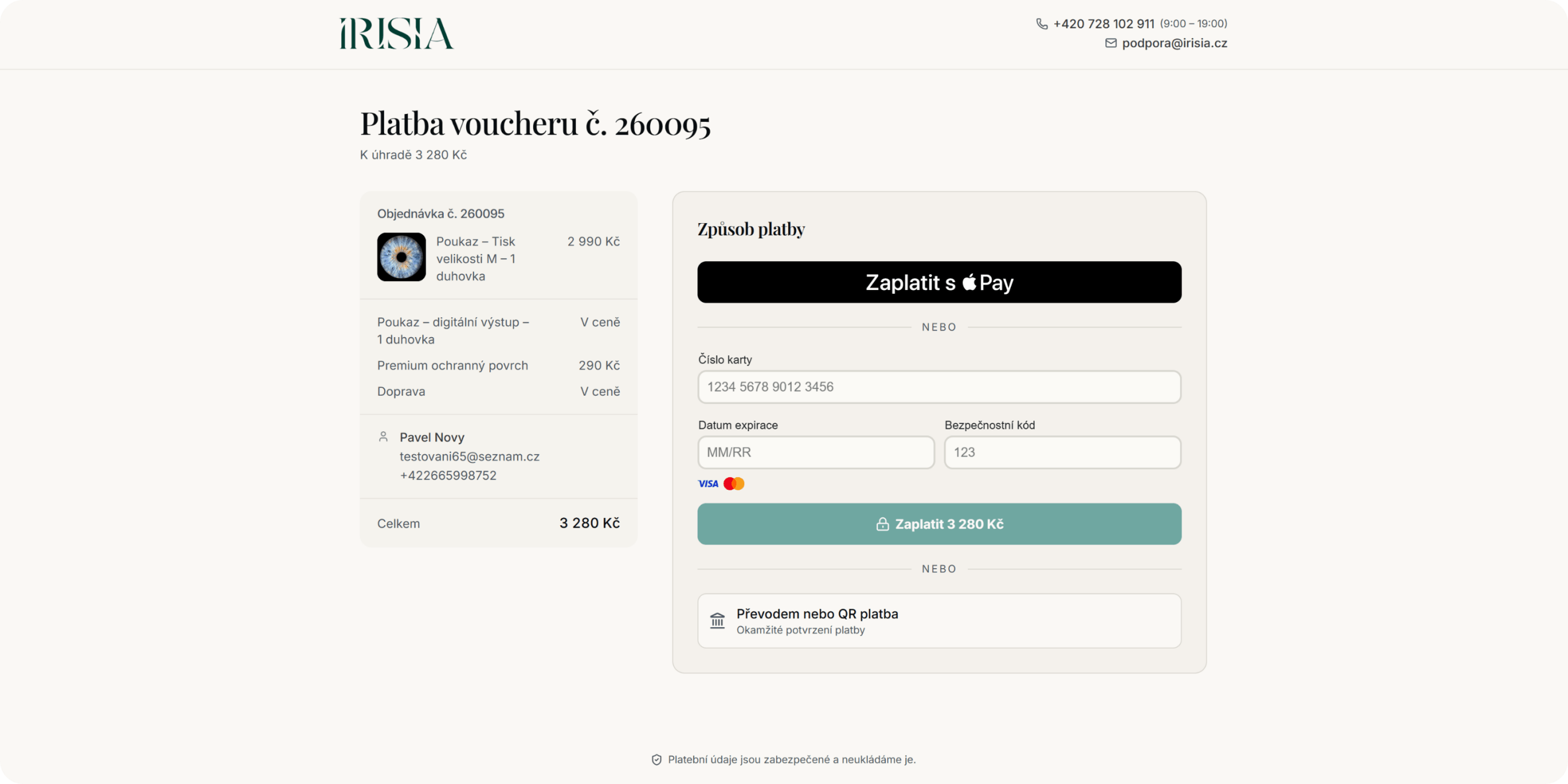
Payment in the Shopping Cart
Add payment methods directly to the shopping cart without displaying the gateway itself. Checkout SDK guides the customer through the payment.
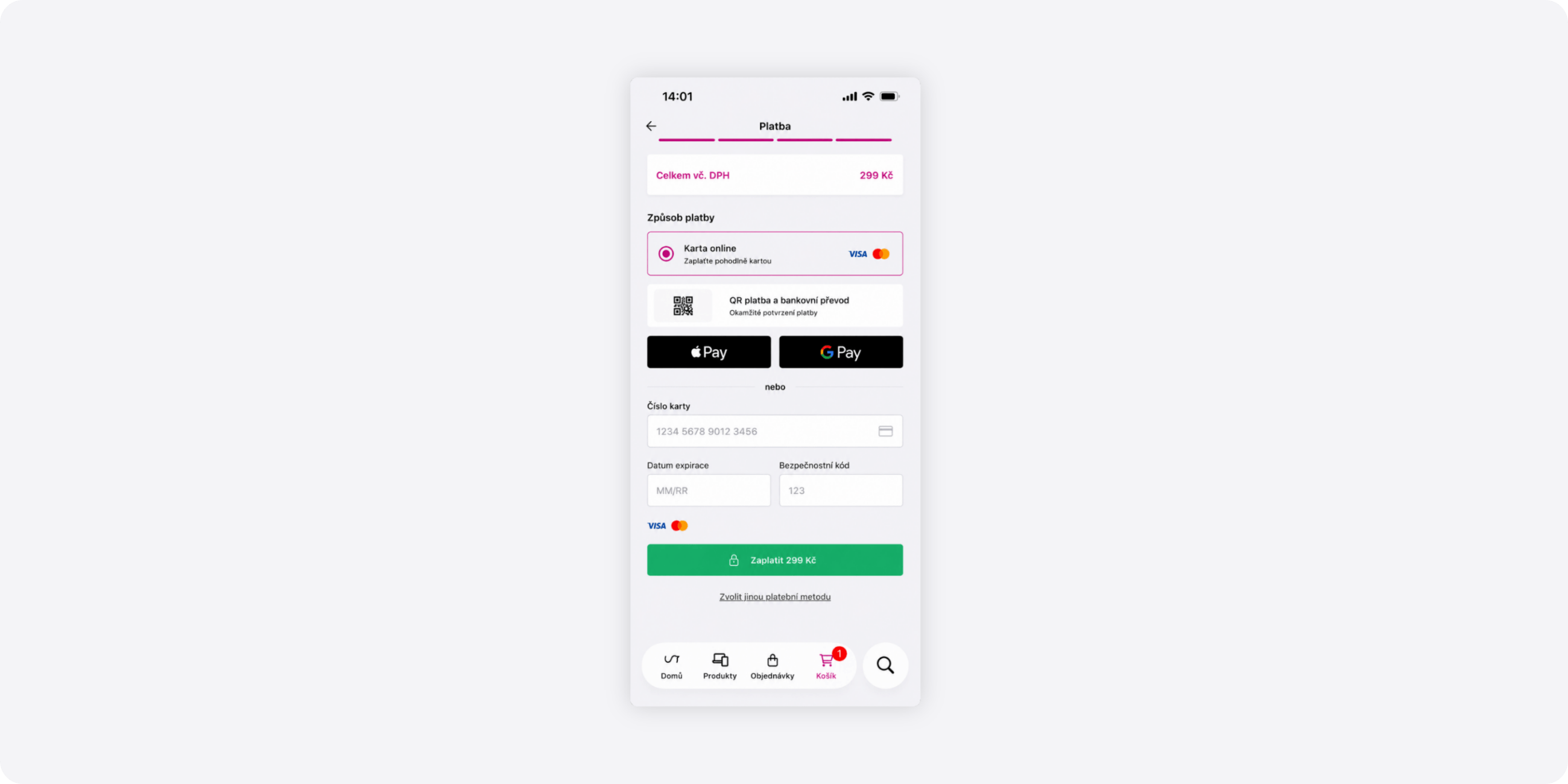
Card Payment in a Mobile App
Mobile Checkout SDK integrates payments directly into your Android or iOS app. Customers pay within the app without switching to a browser.
Looking for more detailed information?
The support portal contains guides for all payment gateway features. It will walk you through the setup process and day-to-day use.
Do you have any questions?
We are available online weekdays from 8:00 to 20:00. Your questions will be answered as fast as possible.